Title here
Summary here
Resource limits are an essential part of any in production deployed container.
GMT enables and enforces resource limits by:
Compose Specification settings on containers like mem_limit and cpusWhen no resource limits are set GMT will determine how many available CPUs and how much memory is on the host sytem.
GMT will always reserve one core to have processing of the measurement and metric providers running smoothly. This means you cannot run GMT on a system with less than 2 cores.
After reserving one core GMT will assign the available cores in full to all other containers. Meaning that CPUs are not dedicated per container, but available to all containers in parallel and scheduling per CPU is done by the native OS scheduler.
If your machine has SMT / Hyper-Threading enabled or you feel you need to reserve more than one core for GMT check out host resource reservations
Per default GMT will not reserve any memory from the host. This is fine for development but can lead to OOM situations in unattended modes like the cluster mode.
If you feel you want to change that check out host resource reservations.
Once a value is set, or the value is left at 0, GMT will calculate the total memory on the host system and deduct the configured memory reservation.
Then all containers that have a manual mem_limit set will get their memory assigned.
The rest of the memory is then auto-assigned to the rest of the containers in the usage_scenario.yml evenly.
If during the process the memory gets exhausted because too much memory was requested manually through mem_limit GMT will error.
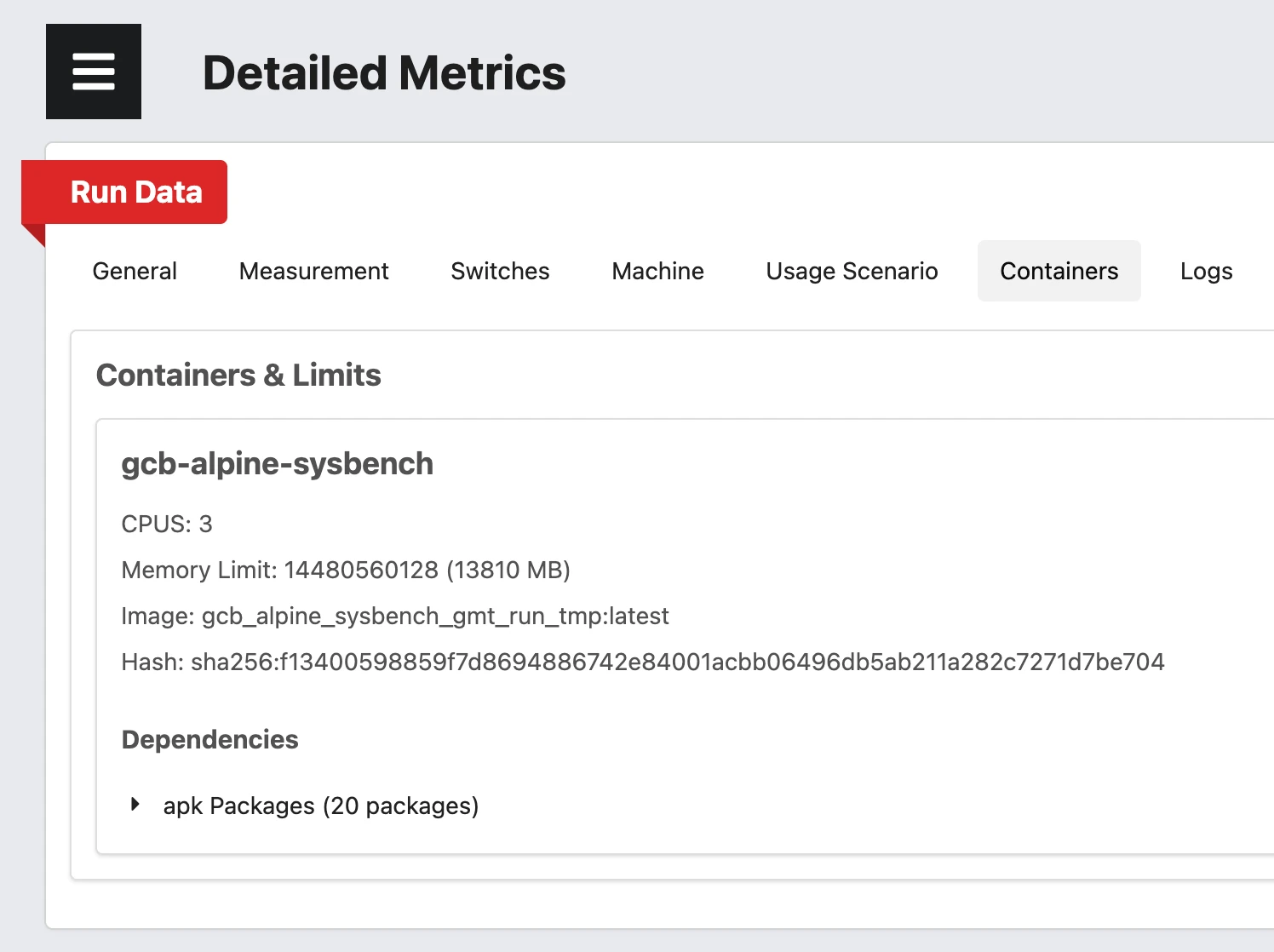
You can see the auto applied values in the Containers Tab in the Dashboard